Somewhere between the newborn photos and the first birthday cake smash, most parents end up with a phone full of thousands of pictures and no real plan for what to do with them. A baby's first year photo book is one of the best ways to turn that overwhelming camera roll into something you'll actually sit down and look at. This guide walks through the whole process, from sorting photos to designing the final cover, whether you're building the book yourself from scratch or starting from a template that's already done most of the work for you.
A baby changes more in twelve months than at any other point in life, and it happens fast enough that details slip away if you don't write them down somewhere. A thoughtfully designed photo book isn't just decoration. It's the difference between a stack of forgotten files and a book your child will actually want to pull off the shelf one day.
A well-made baby book tends to outlive the year it documents by decades. It gets pulled out for birthdays, passed around at family gatherings, and eventually handed to your child as an adult. That's a lot of pressure for a design choice you might be making at 2am during a feeding, which is exactly why having a clear process (or a head start) makes such a difference.

Hardcover books tend to hold up best over years of handling, which matters for something meant to survive being flipped through by small, sticky hands for the next couple of decades. Softcover books are lighter and often cheaper, which makes them a nice option if you're planning to make several smaller books throughout the year instead of one big one. Layflat pages open completely flat, so a photo that spans two pages doesn't disappear into the crease, though they usually cost a bit more.
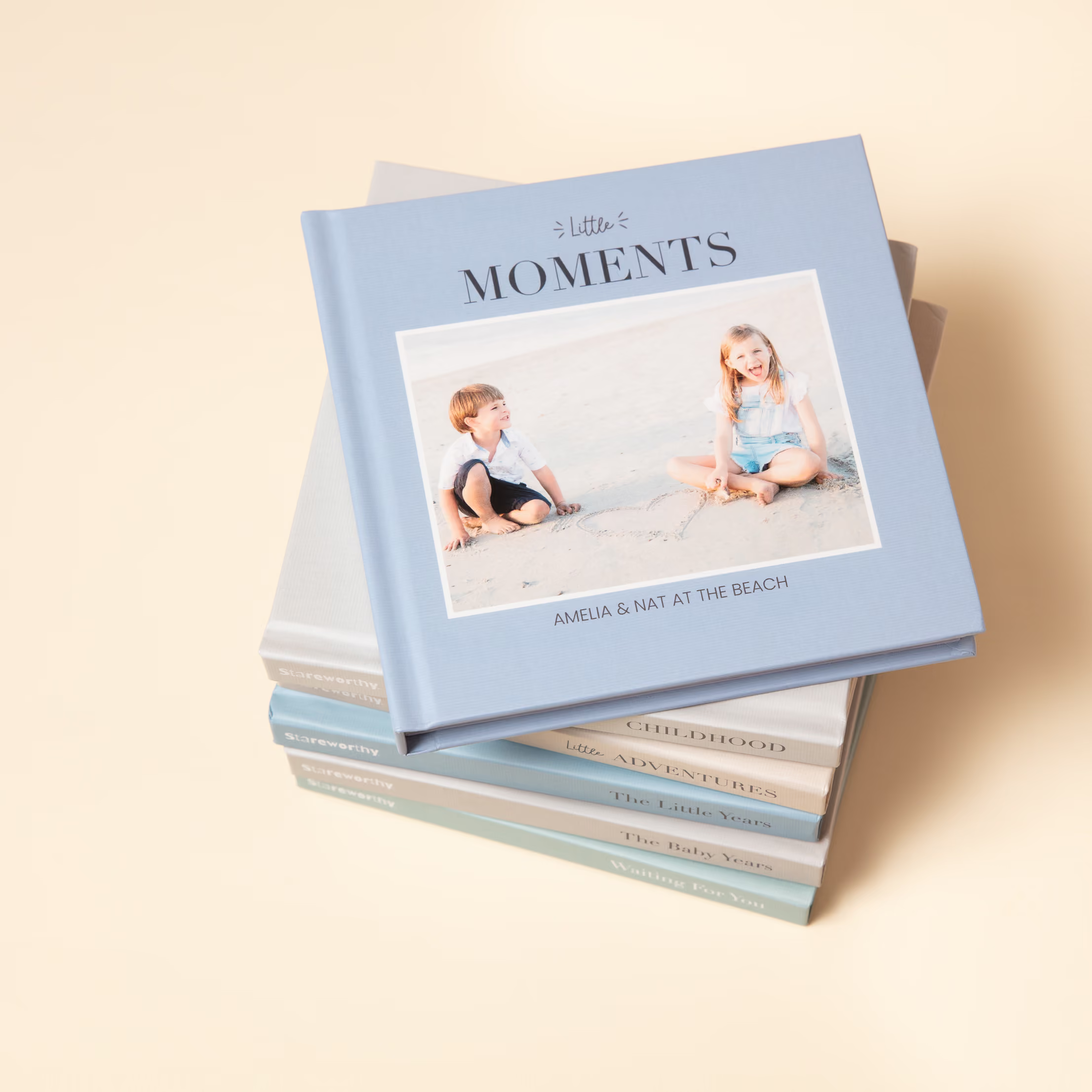
A large format book shows off photos beautifully, especially a large family or a classroom, but it can also take up a lot of shelf space and isn't always easy for a toddler to hold on their own. A smaller, standard-size book is easier for little hands and works well if the whole point is for your child to look through it themselves someday. If you're using a pre-designed baby book, like one of Stareworthy's, these format decisions are usually already made for you, so you can skip straight to the part where you actually pick photos.
Start by pulling photos from three buckets: newborn shots from the hospital and first weeks home, a rough monthly snapshot of how your baby looked and acted, and specific milestone moments like the first smile, first solid food, or first steps. Having all three represented keeps the book from leaning too heavily on any single stretch of the year.
One approach photographers recommend is breaking the year into smaller chunks, working month by month instead of trying to sort a full year of photos at once. Go through each month's photos and flag only the ones that show a milestone, a strong expression, or a moment you know you'll want to remember. It's a slower process than scrolling through everything at once, but it's a lot less overwhelming, and it usually leaves you with a shortlist instead of a few thousand unsorted images.
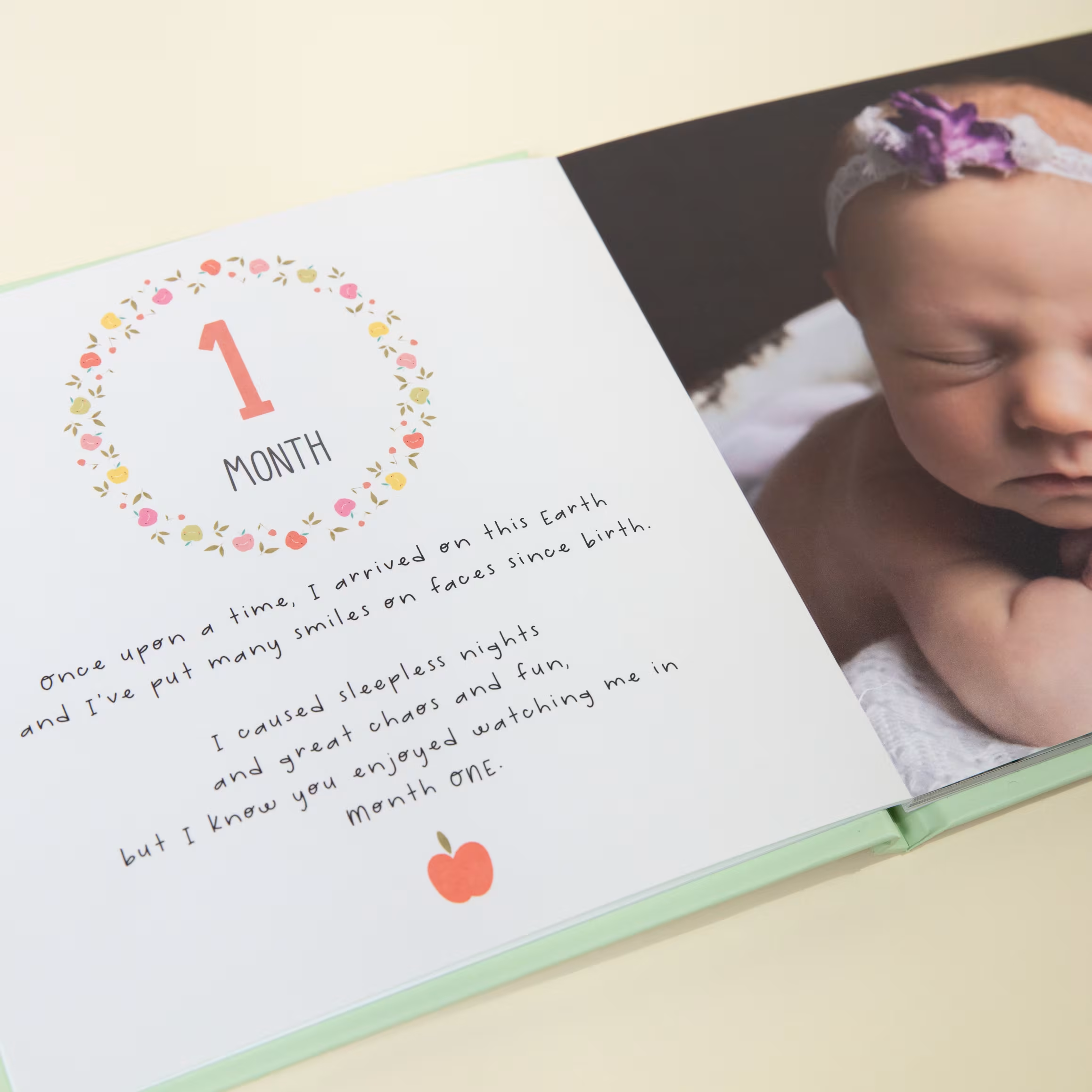
A month-by-month structure is the most common approach for a reason. It naturally shows growth over time, and it gives you a built-in outline before you've placed a single photo. Each month gets its own page or spread, usually with a note about size, weight, or anything notable that happened.
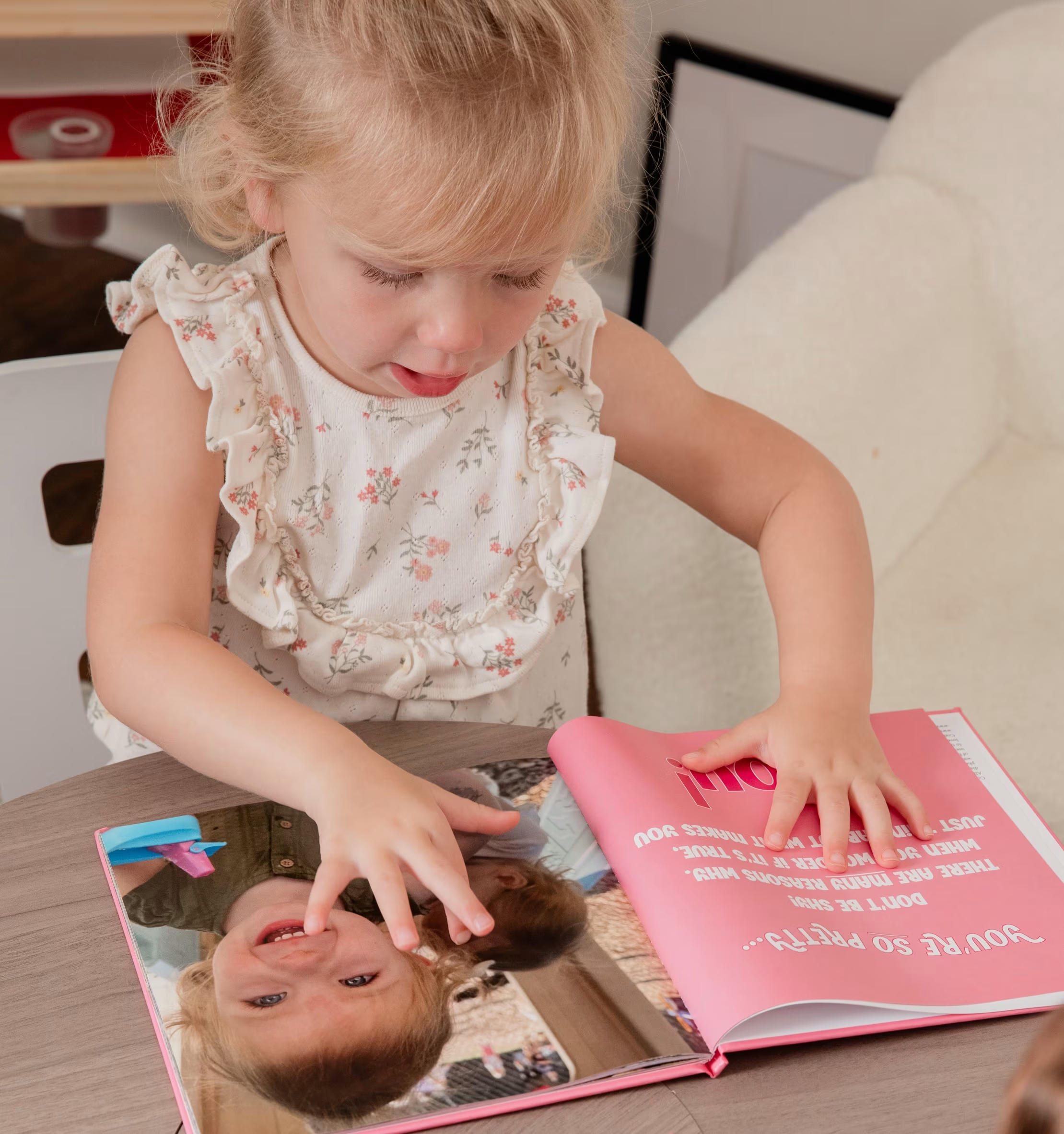
If your baby's year was defined more by specific events than a steady monthly rhythm (a move, a big trip, meeting a new sibling) organizing around those milestones instead of the calendar can tell a more meaningful story. This is actually the structure Stareworthy's pre-written baby books are already built around, so if milestone-based storytelling sounds right for your family but writing it from scratch feels like a lot, that's worth a look before you start from a blank page.
Full-page photos work best for the moments you want to linger on, like a first birthday cake covered face or a quiet nap-time shot. Grid and collage layouts are better suited to everyday moments where you have several decent photos from the same day and don't want to pick just one. A mix of both tends to work better than committing to one style for the whole book, since it keeps every page from looking the same.
Try not to place two very similar layouts back to back. Alternating a bold full-page photo with a quieter, text-heavy spread gives the reader's eye somewhere to rest and keeps the book feeling like it's moving forward rather than repeating itself.
Muted tones, lots of white space, and simple fonts let the photos do the talking. This style tends to age especially well, since it won't feel dated by a passing color trend in a few years.
Bright colors, patterned backgrounds, and larger text can give the book more personality, especially if that matches your baby's nursery or your family's general style. This works best when it's used consistently, rather than switching palettes every few pages.
If you already picked a nursery color scheme or a theme for the baby shower, pulling those same colors into the photo book creates a nice sense of continuity, tying the physical space and the keepsake together. Not every parent wants to make this decision from scratch, though, which is part of why a pre-written children's book with an already chosen palette can be such a relief when you're short on time.
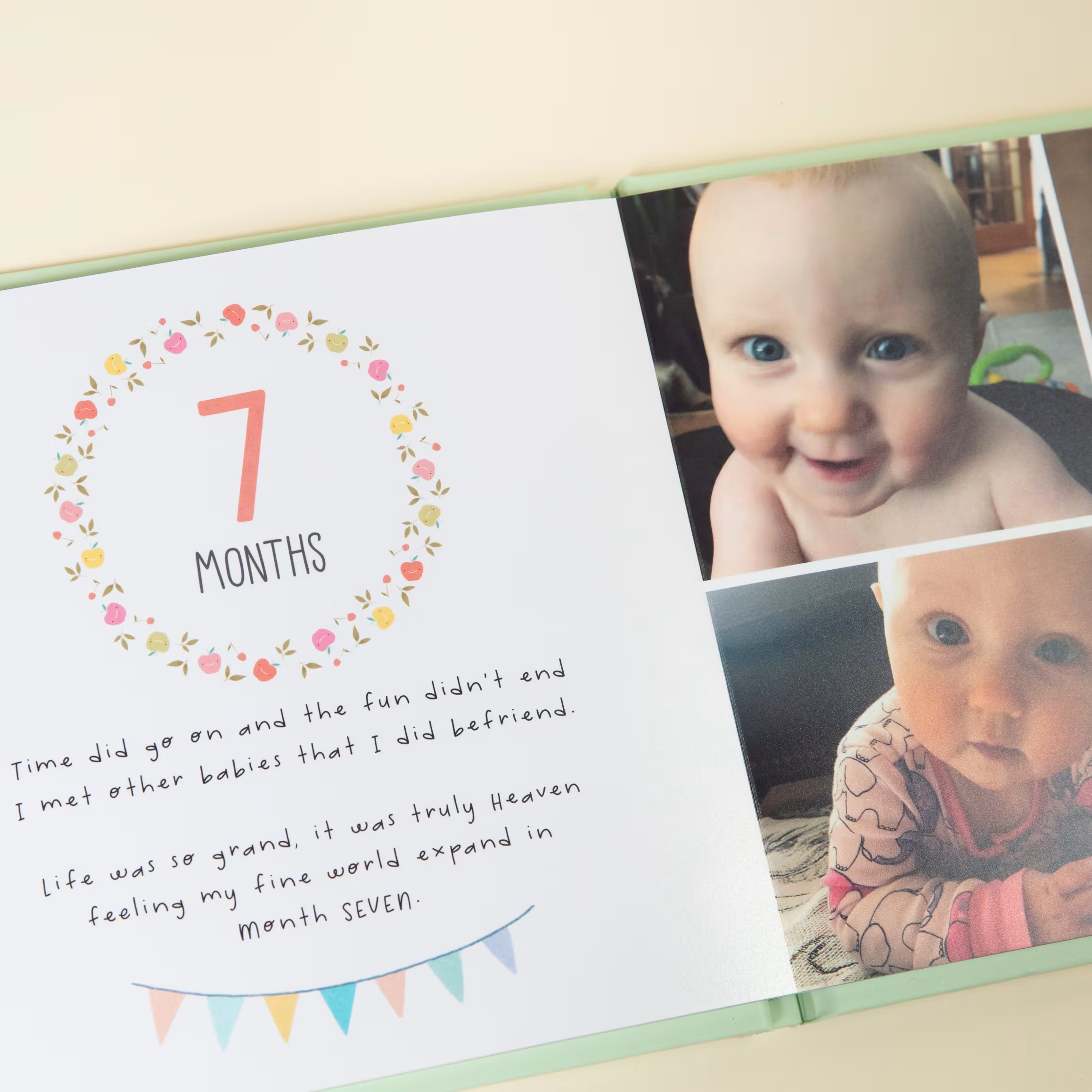
Weight and height at each stage, the date of major firsts, and any funny or sentimental quotes from that period are the details most parents wish they'd written down sooner. Even a short note next to each photo (what was happening, how old the baby was, who took the photo) adds a surprising amount of context a few years down the line.
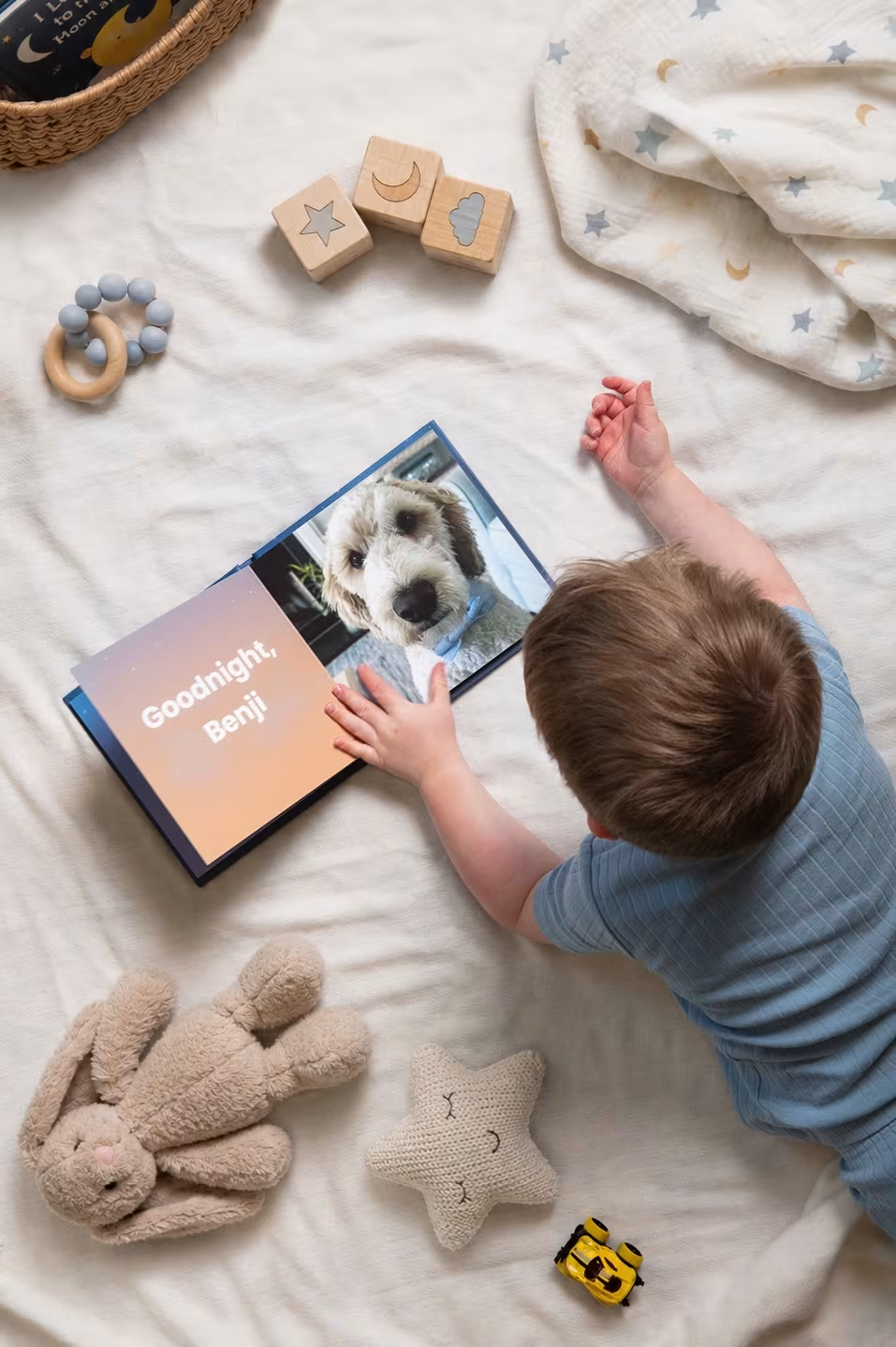
One or two fonts, used consistently throughout, almost always looks more polished than a different font on every page. If handwriting your own captions and milestones sounds like the fun part, Stareworthy's StoryScribe lets you build your own rhyming story from scratch around those details. If writing isn't really your thing, a pre-written children's book already has the story written for you, so all you have to do is upload the photos that go with it.

The cover photo sets the tone for the whole book, so it's worth picking one that captures your baby's personality rather than just the technically best shot. A close-up smile or a candid laugh often works better than a posed portrait.
Keep the title short and legible, and place it somewhere it won't get lost behind a busy background. A simple name and year, or a short phrase, usually reads better on a shelf than a long sentence squeezed onto the spine.
Before finalizing, flip through the whole book in order and check that fonts, colors, and spacing feel consistent from page to page. It's easy to lose track of small style choices when you've been working on the book for weeks.
Watch for blurry or low-resolution photos, which tend to look worse once printed at full size than they did on a phone screen. Double check spelling on names and dates, since typos are easy to miss on a screen and much harder to fix once the book is printed. And don't let the project drag on so long that you never actually finish it. That last one trips up more parents than any design mistake, which is exactly why a lot of families lean on a pre-designed template to get the book done instead of a blank page they keep meaning to get back to.
Empty space around a photo isn't wasted space. It gives the eye somewhere to land and keeps a page from feeling cluttered, especially on spreads with only one or two standout images.
The trick to a professional-looking photo book is consistency in the small things (fonts, colors, margins) paired with variety in the big things (layout style, photo composition). If juggling all of that on top of a newborn's schedule sounds like more than you have time for, this is really the whole idea behind Stareworthy. The pages are already designed by someone who's thought through all of these decisions, so instead of choosing layouts, fonts, and color palettes yourself, you upload your favorite photos and the design work is already done.
If you're not sure which moments to build pages around, a few ideas tend to show up in almost every baby's first year book: the ride home from the hospital, a first bath, a first real smile, meeting a sibling or pet for the first time, a hand and footprint page, and a monthly photo taken in the same spot to show how much your baby has grown. None of these need to be complicated. A single well-lit photo with a short caption is often more meaningful than an elaborate layout.
Start by curating your photos month by month, decide whether you want a monthly or milestone-based structure, then build out layouts, captions, and a cover. A pre-designed baby book handles most of these decisions for you if you'd rather skip straight to adding photos.
A mix of full-page photos for standout moments and grid or collage layouts for everyday shots usually works best, since it keeps every page from feeling repetitive.
Both work well. Monthly organization shows steady growth over the year, while milestone-based organization tells a more story-driven version of your baby's first year.
A smaller, standard-size book is easier for a young child to hold and look through on their own, while a large format book shows off photos beautifully but works better as a coffee table piece.
There's no fixed number, but most first year photo books land somewhere between 40 and 100 photos, enough to tell a full story without overwhelming any single page.
Weight and height at each stage, dates of major firsts, and a short note about what was happening in the photo all add helpful context you'll be glad to have later.
A candid, expressive shot, like a genuine smile or laugh, usually makes a more memorable cover than a posed portrait.
Stick to one or two fonts and a consistent color palette throughout, and avoid switching layout styles too often from page to page.
Hospital and homecoming photos, a first bath, hand and footprint pages, and monthly growth photos taken in the same spot are all classic newborn photo album ideas worth including.
Many parents start sorting photos a few months in, rather than waiting until the first birthday, since curating photos along the way is far less overwhelming than tackling a full year of images all at once.
However you approach it, a baby's first year photo book doesn't need to be perfect to be meaningful. Whether you design every page yourself or start with a pre-written story and simply add your own photos, what matters most is that you actually finish it and put it somewhere your family will pick it up again.